Shaping Futures


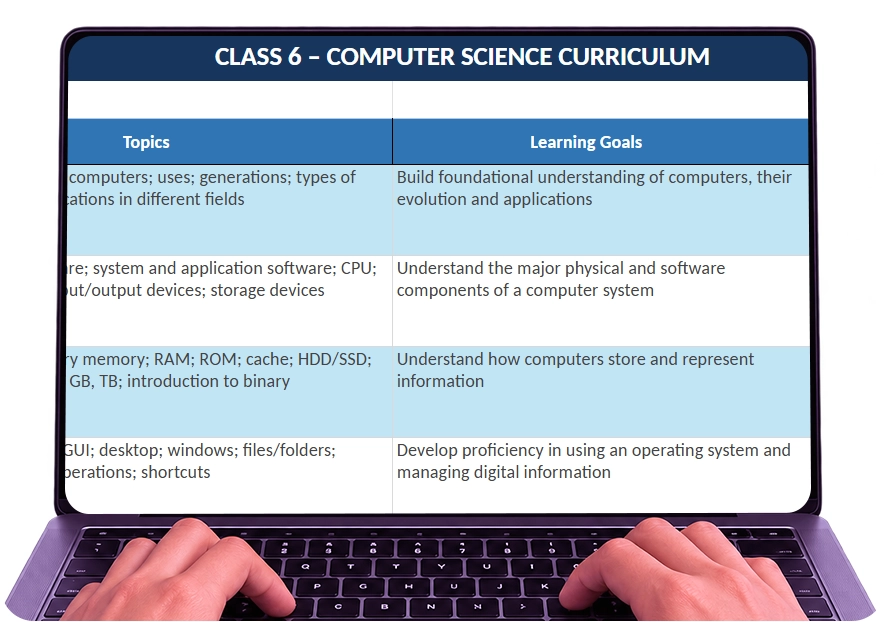
| Chapter Name | Topics | Learning Goals | Learning Outcomes |
|---|---|---|---|
| Computer Fundamentals & Evolution | Characteristics of computers; uses; generations; types of computers; applications in different fields | Build foundational understanding of computers, their evolution and applications | Explain basic characteristics and uses of computers; identify different types of computers and their applications |
| Computer Hardware & Software | Hardware; software; system and application software; CPU; motherboard; input/output devices; storage devices | Understand the major physical and software components of a computer system | Identify hardware/software components; classify devices and explain their functions |
| Memory, Storage & Data Representation | Primary/secondary memory; RAM; ROM; cache; HDD/SSD; bit, byte, KB, MB, GB, TB; introduction to binary | Understand how computers store and represent information | Differentiate memory and storage types; compare storage units; explain basic binary representation |
| Operating Systems & File Management | Functions of OS; GUI; desktop; windows; files/folders; extensions; file operations; shortcuts | Develop proficiency in using an operating system and managing digital information | Navigate an OS; create, organize, rename, copy, move and delete files/folders |
| Word Processing & Digital Documentation | Creating/editing documents; fonts; paragraphs; lists; tables; images; shapes; page layout; headers/footers; printing | Develop digital documentation and formatting skills | Create and professionally format structured digital documents |
| Digital Presentations | Slides; layouts; themes; text; images; shapes; tables; SmartArt; transitions; animations; presentation principles | Develop effective visual communication and presentation skills | Create, organize and deliver clear digital presentations |
| Spreadsheets & Data Handling | Workbook/worksheet; rows; columns; cells; data entry; formatting; cell references; formulas; SUM; AVERAGE; MIN; MAX; charts | Develop basic data organization, calculation and visualization skills | Organize datasets; perform basic calculations; use simple functions and represent information through charts |
| Internet & World Wide Web | Internet; WWW; websites; webpages; browsers; search engines; URLs; hyperlinks; downloading/uploading | Understand internet and web concepts and effective web usage | Differentiate internet/web concepts; navigate websites and use browsers effectively |
| Online Research & Information Literacy | Search keywords; search techniques; reliable sources; misinformation; fact-checking; copyright; plagiarism | Develop responsible information-search and evaluation skills | Search efficiently; evaluate basic credibility of online information; use digital resources responsibly |
| Email, Cloud & Digital Collaboration | Email basics; To/CC/BCC; attachments; email etiquette; cloud storage; file sharing; collaborative documents | Build essential online communication and collaboration skills | Compose appropriate emails; share digital resources and collaborate safely using cloud tools |
| Computer Networks & Connectivity | Network basics; LAN/WAN; wired/wireless networks; Wi-Fi; Bluetooth; modem/router; network applications | Understand how computers and devices communicate | Identify common network types and connectivity technologies and explain their basic purposes |
| Cyber Safety & Digital Citizenship | Strong passwords; privacy; personal information; phishing; malware; cyberbullying; digital footprint; netiquette | Develop safe, ethical and responsible digital behaviour | Recognize common cyber risks; protect personal information; follow responsible online practices |
| Computational Thinking & Problem Solving | Decomposition; pattern recognition; abstraction; generalization; logical reasoning; sequencing | Develop structured approaches to solving computational and real-world problems | Break complex problems into parts; recognize patterns and develop logical solutions |
| Algorithms, Flowcharts & Pseudocode | Algorithms; sequencing; decision-making; repetition; flowchart symbols; pseudocode; testing solutions | Understand how solutions can be represented before coding | Develop algorithms; create flowcharts/pseudocode and evaluate whether a solution works correctly |
| Block-Based Programming – Scratch | Scratch interface; sprites; stage; coordinates; motion; looks; sound; events; sequences | Introduce programming through an accessible visual environment | Create simple animations and interactive programs using sprites, events and sequences |
| Programming Logic with Scratch | Loops; conditions; operators; variables; user input; broadcasts; debugging; games | Build deeper programming and logical-thinking skills | Develop interactive programs using loops, conditions, variables and operators; identify and fix basic errors |
| Introduction to Text-Based Programming | Python environment; syntax; print(); comments; variables; basic data types; input/output; operators | Introduce the transition from visual to text-based programming | Read and write simple Python instructions and understand variables, input/output and basic operations |
| Introduction to Web Design | Websites vs webpages; basic HTML structure; headings; paragraphs; lists; images; hyperlinks | Introduce how webpages are structured and created | Create a simple webpage using basic HTML elements |
| Multimedia & Digital Creativity | Images; audio; video; graphics; file formats; basic editing; digital posters/infographics | Develop creative digital-content creation and communication skills | Create simple multimedia content and choose suitable media/file formats for different purposes |
| Artificial Intelligence Fundamentals | What is AI; AI vs human intelligence; AI around us; AI domains; introductory machine learning concepts | Build foundational understanding of AI and its everyday applications | Identify AI-enabled systems and explain basic AI concepts through real-life examples |
| Generative AI & Responsible AI | Generative AI basics; prompts; text/image generation; limitations; hallucinations; bias; fairness; privacy; responsible usage | Develop age-appropriate AI literacy and ethical awareness | Use AI tools responsibly; recognize limitations, bias and privacy concerns; distinguish appropriate and inappropriate AI use |
| Data & AI | Data basics; types of data; collecting/classifying data; patterns; datasets; relationship between data and AI | Understand the role of data in computing and AI systems | Collect and organize simple data; identify patterns and explain why AI systems require data |
| Design Thinking & Technology | Empathy; identifying problems; ideation; designing solutions; prototypes; testing and improvement | Encourage creativity and human-centred technology problem solving | Identify a real-world problem and develop, test and improve a simple technology-based solution |
| Emerging Technologies | Robotics; IoT; AR/VR; smart devices; cloud computing; automation; future technologies | Build awareness of emerging digital technologies | Identify emerging technologies and explain their common real-world applications |
| Integrated Digital Project | Research; planning; documentation; data; presentation; coding/AI/digital creation; project presentation | Integrate acquired computer-science skills through practical application | Plan, create, test, document and present an independent technology-based project |
1-on-1 Online Computer Science Classes for Class 6
- Build strong concepts with simple explanations
- Live one-on-one interactive classes
- Learn as per your school curriculum
- Learn from experienced teachers
- Improve grades with focused support
- Daily live quizzes
3500+
Parents ka Trust!
92%
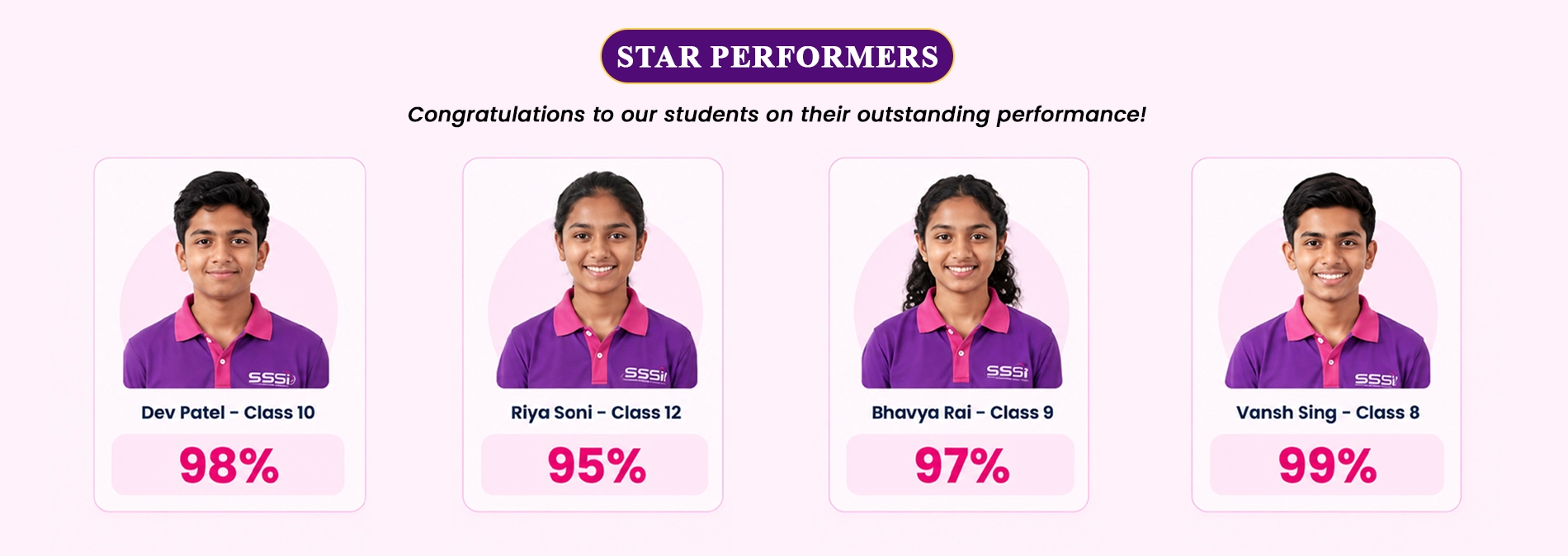
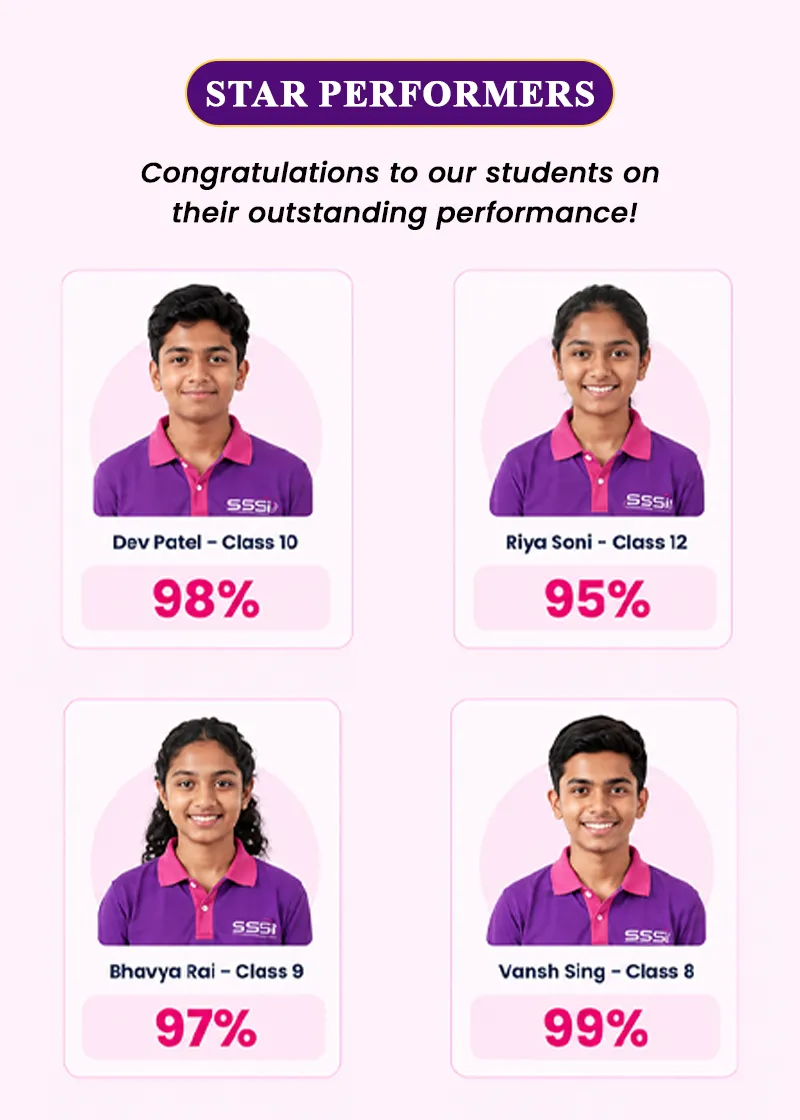
Average Student Exam Score